 Friendlyskies.net
From my Notebook >
How to Fix Freeplane's Slow Panning and Canvas Lag on Linux
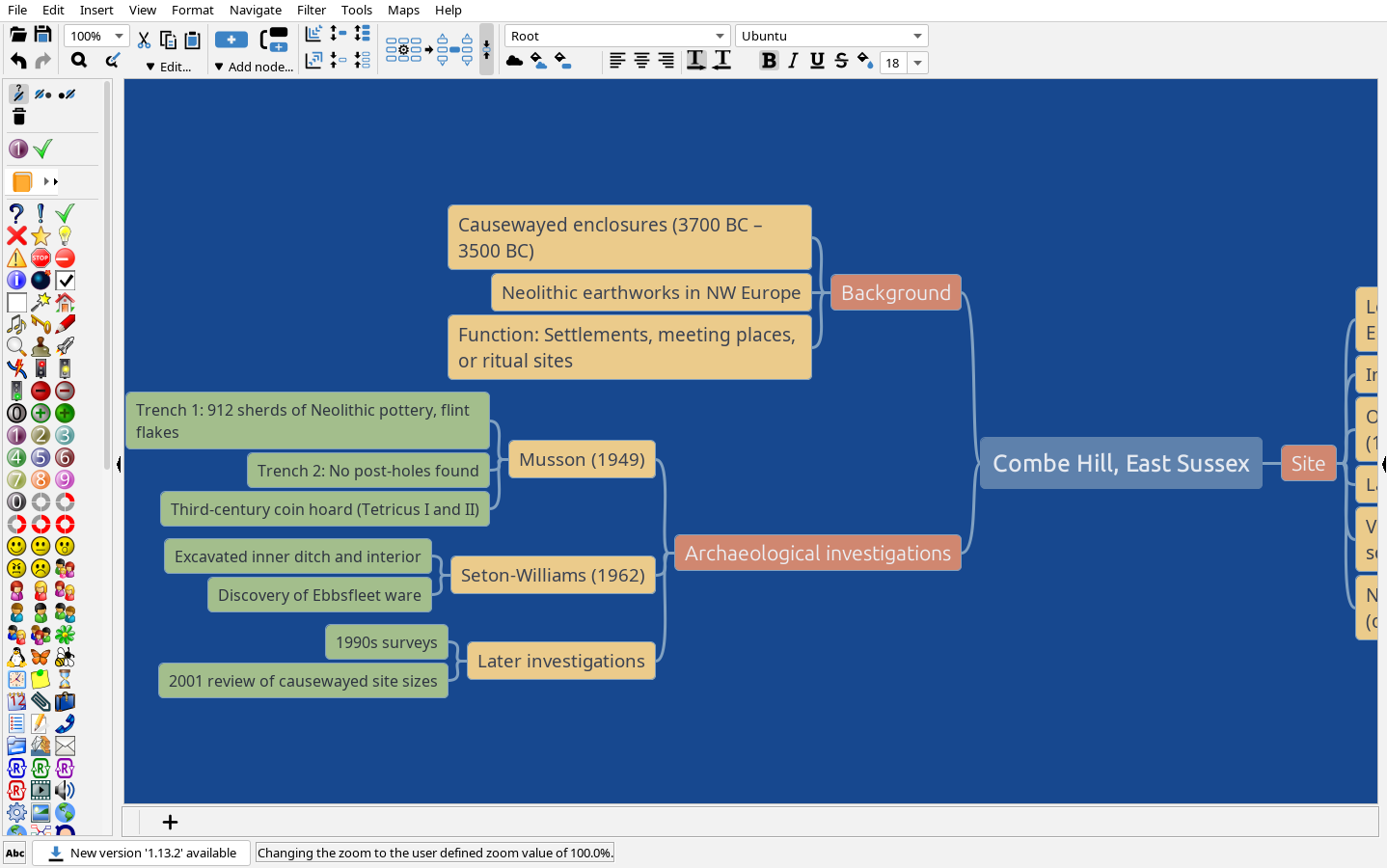
This problem with Freeplane’s canvas performance was annoying to figure out!
First, I had some really simple mind maps that were way too jerky to pan around in.
Then, every method I tried in the “Preferences” menu, like toggling Anti-Aliasing (AA) or changing rendering hints, didn’t work. Even after a restart.
The panning would stutter every time I panned around the mind map, making it annoying to work in the mind map format.
After lots of trial and error…here’s my fix!
Please note:
- First, I consider this an ADVANCED fix and cannot provide support beyond the description here. You have been warned.
- Second, I’ve only tested this in Kubuntu Linux, using Zulu OpenJDK 21. It should work on most modern Linux distros running Freeplane 1.12.x or 1.13.x.
Freeplane: Fix slow panning and canvas lag – my discovered WORKING method
This method worked for me when the internal “AA” toggles didn’t do a thing.
1. Preparation Steps
- IMPORTANT! Close Freeplane before you start.
- Find your Freeplane installation folder. If you’re on Linux, it’s usually where you unzipped the release (e.g.,
~/freeplane-1.12.15/). - Locate the file named
freeplane.sh. - BACK IT UP! Copy it to
freeplane.sh.bakjust in case you make a typo.
2. The Trick: Editing the Launch Script
- Open
freeplane.shin your favorite text editor. - Search for the line that starts the Java 11+ block. It looks like this:
if [ $JAVA_MAJOR_VERSION -ge 11 ]; then
- Scroll down to the end of that block (right before the
fi). - Add these two specific lines to force hardware acceleration:
JAVA_OPTS="-Dsun.java2d.opengl=true $JAVA_OPTS"JAVA_OPTS="-Dsun.java2d.xrender=true $JAVA_OPTS"
- Check your syntax! In shell scripts,
JAVA_OPTS="new_stuff $JAVA_OPTS"is how we “prepend” settings. Make sure you don’t forget the closing quote or the dollar sign.
3. Final Steps
- Save the file and exit the editor.
- Launch Freeplane from your terminal or shortcut as usual.
- Try panning around a large map. It should now feel “buttery smooth” because your GPU is finally doing the heavy lifting instead of your CPU.
That’s it!
(It’s what worked for me, anyway!)
Bonus: Why does Freeplane lag even if I turn off Anti-Aliasing?
The answer seems to be: Java (Swing) is a bit of a “black box” when it comes to graphics. By default, it often uses a software-based “pipeline” to draw the map. This means your CPU is trying to calculate every line, bubble, and curve in real-time.
Turning off Anti-Aliasing makes the lines look jagged, but it doesn’t solve the core problem: the CPU is still doing all the work.
By adding the opengl=true flag, we are telling Java: “Hey, stop bothering the CPU and use the dedicated Graphics Processor instead.”
By the way…
Did this information help you? Support the independent, ad-free web! Tips are much appreciated: $2 USD, $3 USD, or $5 USD.